
Remove Image Background
100% Automatically and Free
One tool, endless uses. Get a transparent PNG in seconds — processed entirely in your browser, so your photo never leaves your device.

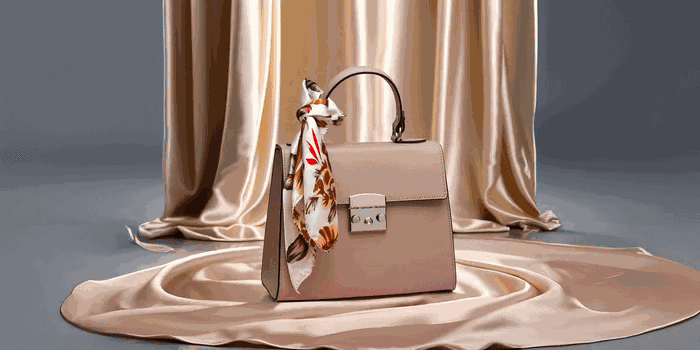

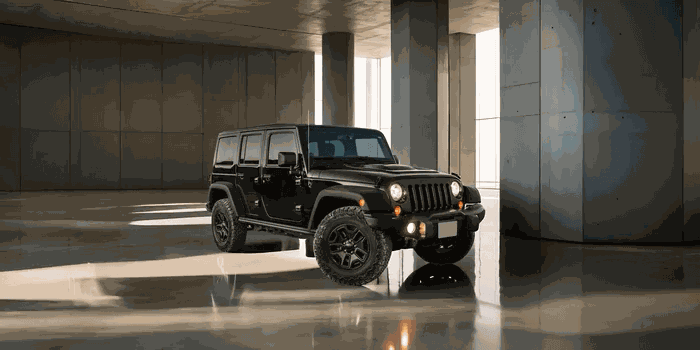
Stunning quality, even on the hard cases
Flyaway hair, fur, glass and fine jewelry are usually where background removers fall apart. Here's how removebg.best handles them.
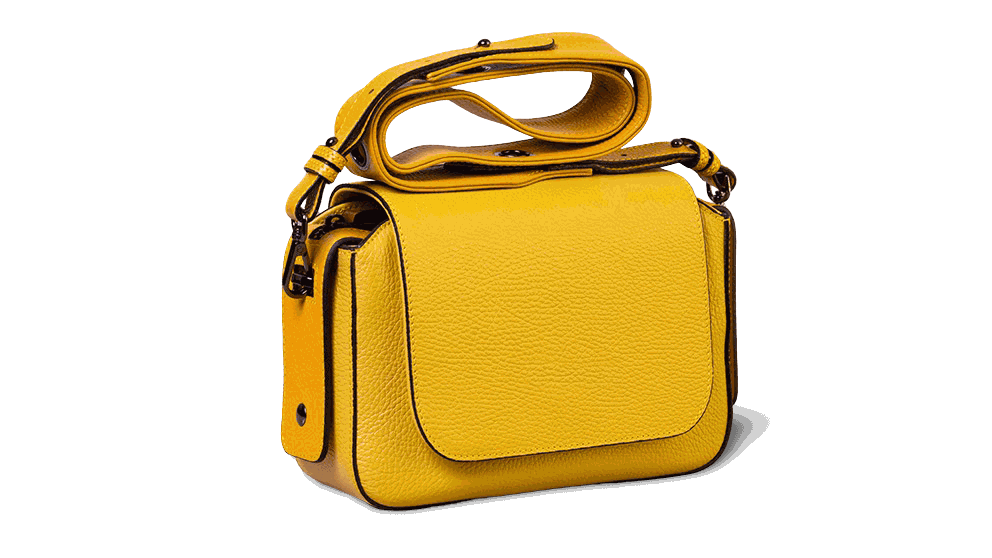
 Drag to compare
Why people choose removebg.best
Truly free & unlimited
No credits, no watermarks, no sign-up wall. Process as many images as you like.
Private by design
The local mode runs entirely in your browser — your pictures never leave your device.
High-accuracy edges
Hair, fur, glass and thin chains come out clean with the HD cloud model.
Bulk in one pass
Drop a whole folder and download every transparent PNG as a single ZIP.
Platform-ready sizes
Presets for Amazon, Etsy, Shopify and eBay product images.
No installs
Works in any modern browser on desktop and mobile, including WeChat and in-app webviews.
What is background removal?
Background removal separates the subject of a photo — a person, a product, a car, a pet — from whatever is behind it. The result is a cutout with a transparent background (a PNG with an alpha channel) that drops cleanly onto white, onto any colour, or into any design.
It used to mean slow, careful masking by hand in heavyweight editing software. Modern AI segmentation models learned to recognise the foreground down to individual strands of hair, so the whole job now takes seconds — and runs without a designer.
removebg.best runs those models for you — privately inside your browser or in high definition in the cloud — and hands you a ready-to-use PNG. No account, no watermark, no credits.
Remove a background in three steps
No tutorials to watch. The whole thing takes about five seconds per image.
Upload your image
Drag & drop a file, paste from the clipboard, or import from a URL. JPG, PNG and WebP up to 20MB — no sign-up, no email required.
The AI cuts the background out
A segmentation model finds the subject and erases the background automatically, keeping tricky edges like hair, fur, glass and thin chains intact.
Download or customise
Take the transparent PNG, or switch the background to pure white or any colour before you download. Processing a whole folder? The Bulk Remover handles dozens at once.
One tool, endless uses
From e-commerce shots to car listings and professional headshots — removebg.best saves you time on any workflow.
Profile pictures in seconds
Pull a clean cutout from any phone photo — a LinkedIn headshot, a passport-style white background, a school portal picture or a holiday card. No design skills, no studio needed.
Try it nowTrim distracting studio sweeps
Isolate your subject and composite them onto a graded backdrop or brand colour, keeping fine detail around hair and fabric. Batch a whole client folder and download every preview as a ZIP.
Try it nowCampaign-ready cutouts
Drop product or hero shots onto a banner, a paid-social square, or an OOH crop — all from the same source photo. Transparent PNGs slot straight into templates, so a new campaign format costs you seconds, not a reshoot.
Try it nowBring it into your own app
The same client-side engine that powers this site can run inside your own product — no server, no per-image fee. API access is on our roadmap.
Learn moreMarketplace-ready product photos
Match marketplace specs in one pass: Amazon wants a pure-white main image (1600×1600px or larger so zoom works), eBay recommends 1600×1600, Etsy looks best around 2000px. Cut out once, place on white, export the square — or run the whole catalogue through the Bulk Remover.
Try bulk processingLift a vehicle off any lot
Cut a car away from a forecourt or service bay and place it onto a clean showroom backdrop that matches the rest of your inventory.
Try it nowHave more than one image?
Drop a whole folder into the Bulk Remover and process dozens of photos in one run — still free, still processed on your own device.
Your photo never has to leave your device
Most online removers upload every photo to their servers. removebg.best is different: in Local (Private) mode the AI model is downloaded into your browser and the picture is processed on your own hardware — nothing is transmitted, stored, or used for training. Need the sharpest possible edges instead? Cloud (HD) mode sends the image to an edge endpoint, processes it in seconds and deletes it immediately.
- Local mode: 100% on-device — works offline after the first load
- Cloud mode: processed at the edge, deleted within seconds
- We never sell, share or train on your images
Frequently asked questions
Yes. There is no credit system, no watermark and no account required. You can process images one at a time or in bulk, for free.
In Local (Private) mode, no — everything runs inside your browser and the image never leaves your device. In Cloud (HD) mode the image is sent to our edge endpoint, processed, and deleted within seconds; it is never stored or used for anything else.
JPG, PNG and WebP up to 20MB per image. Results download as PNG with an alpha (transparent) channel. Very large photos may take longer in local mode on older phones.
Yes — removebg.best runs in any modern mobile browser, including the built-in browsers on iPhone and Android, WeChat and in-app webviews. No app install needed.
Yes. In the editor, switch to Background colour and pick white, black or any colour dot — or use a dedicated colour page such as /change-background-color/red.
Open the Bulk Remover, drop up to 30 images, and each result updates live. When the batch is done, download everything as a single ZIP — or grab images individually.
Use Cloud (HD) mode for the finest edges: it runs a state-of-the-art segmentation model (BiRefNet) that handles flyaway hair, pet fur, glass and thin chains far better than lightweight on-device models. Local mode is a little softer on those cases but fully private.
removebg.best claims no rights over your output — the processed image is yours. You are responsible for having the rights to the original photo (your own product, a licensed image, etc.).


